See Deleted Twitter Account
When an X/Twitter account is deleted, deactivated or suspended, its profile and tweets stop loading on X. That doesn’t always mean every trace is gone: many public tweet pages were saved as snapshots while the account was live. This guide explains what can still be found, how to search for it by username, and how to read the results honestly.
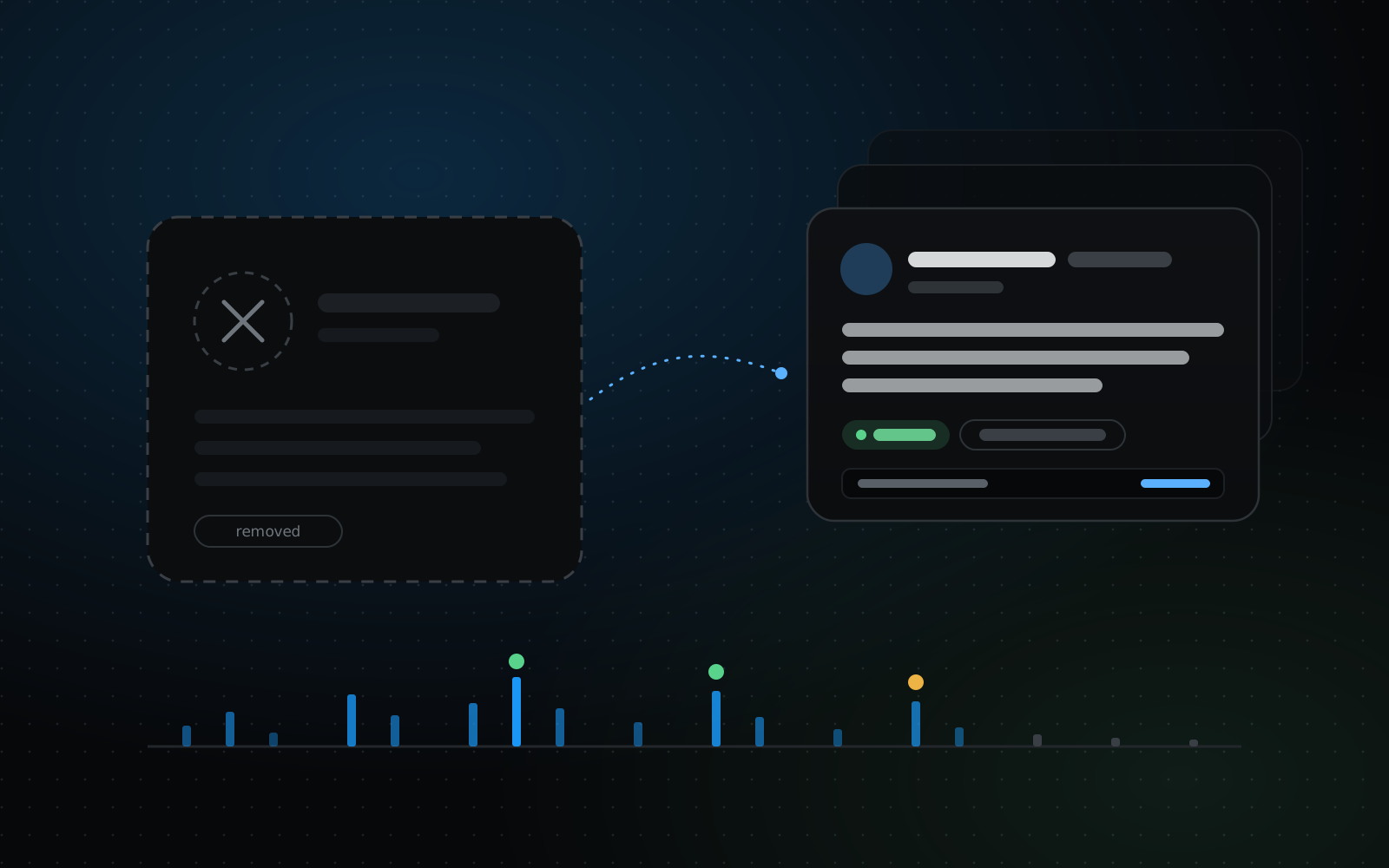
What happens when an account disappears
X shows a gone account in a few different ways. A deactivated account disappears right away, but the owner can usually restore it for a limited time (currently 30 days) before it is deleted for good. A suspended account shows an “Account suspended” notice. A protected account still exists, but only approved followers can see its tweets.
In every case the tweets stop appearing on X: on the profile, in search, and on their own tweet pages. Links that used to work now show “This page doesn’t exist” or a similar notice.
What a tweet snapshot is
Every tweet has its own page at an address like twitter.com/username/status/1234567890. A snapshot is a saved copy of that page as it looked at one moment, with the time it was captured.
The same tweet is often saved several times: under twitter.com and x.com, with tracking links such as “?s=20”, or as a photo page. We merge all of these by tweet ID, so each tweet counts once, and pick the copy with the most readable content.
Snapshots of the profile page itself are much less useful. A profile only shows the handful of tweets that were at the top on the day it was saved, so individual tweet pages are where most of the text lives.
What you can usually find
- The text of tweets whose pages were saved while they were public.
- When each tweet was posted. If the saved page doesn’t show a date, it can be worked out from the tweet ID for tweets posted since late 2010.
- Whether a tweet was a reply, a quote or a repost, when the saved page shows it.
- Images, where the image file itself was also saved.
- The time each snapshot was captured, so you know exactly what you are looking at.
What you usually can’t find
- Tweets that were never saved. Many ordinary tweets never were.
- Protected tweets, direct messages, likes, bookmarks and lists. These were never on public pages.
- Videos. They are listed where a tweet had one, but not included.
- Up-to-date numbers such as views, likes or follower counts. A snapshot only shows what the page showed at the time.
How to search a deleted account
All you need is the account’s username. You don’t need an X login, and the preview is free.
- 01Enter the username on the Deleted Tweet Finder home page, exactly as it was spelled. Capital letters don’t matter.
- 02Wait for the free preview. It scans the snapshot index for the account and reads a sample of tweets, usually in under a minute.
- 03Read the count ladder. Look at “Unique tweets” rather than “Index rows”: index rows include duplicates and broken links.
- 04Check the samples, the date range and the quality notes. They tell you how readable the results are likely to be before you pay anything.
- 05If the preview looks useful, unlock the full archive. You can then search the text, filter by date, type and status, view saved images and export everything to CSV or JSON.
If the account was renamed
Snapshots are filed under the username the account had when each page was saved. If an account changed its handle, older tweets sit under the old name and newer ones under the new name.
Search each username you know of. Old usernames often turn up in replies and mentions, in links shared elsewhere, in screenshots, or in the account’s earlier bio.
Deleted, deactivated or suspended?
A snapshot shows a tweet as it was when it was saved. It can’t tell you why an account or tweet is gone, or whether it came back later. That is why every result carries “Current status unknown”: we don’t check X, and we never label a tweet as deleted.
If you need to know whether a tweet is still live, open its link on X. If it loads, it hasn’t been deleted.
Using what you find responsibly
These tweets were public when they were saved, but their author may have removed them for a reason. Use them for research, journalism, record-keeping or your own memory, not to harass or expose anyone. If you want results about an account removed from our service, the Contact & Removal page explains how.
Quick answers
Can I see a deleted account’s followers or likes?
No. Follower lists and likes weren’t part of the saved tweet pages, so they can’t be recovered this way.
Can you restore a deleted account?
No. Only X can restore an account, and only its owner can ask, within X’s reactivation window. We only show saved snapshots of its public tweets.
Why do some tweets say “No readable text”?
A snapshot of the tweet page exists, but the saved copy doesn’t contain the tweet itself, for example because the page only captured X’s app frame. We still list it, marked Unavailable, so the count stays honest.