How to See Deleted Tweets of Others
You can only see someone else’s deleted tweet if its page was saved as a snapshot before it was removed. The fastest way to check depends on what you start with: the tweet’s link, or just the username. Here is how to do both, and how to read what you find.
First, make sure the tweet is really gone
Open the tweet’s link on X, signed in and signed out. If it loads either way, it hasn’t been deleted. If it says the account is protected, the tweet still exists but only approved followers can see it. If it says the page doesn’t exist, or the account no longer exists or is suspended, the tweet is no longer visible on X.
If you have the tweet’s link
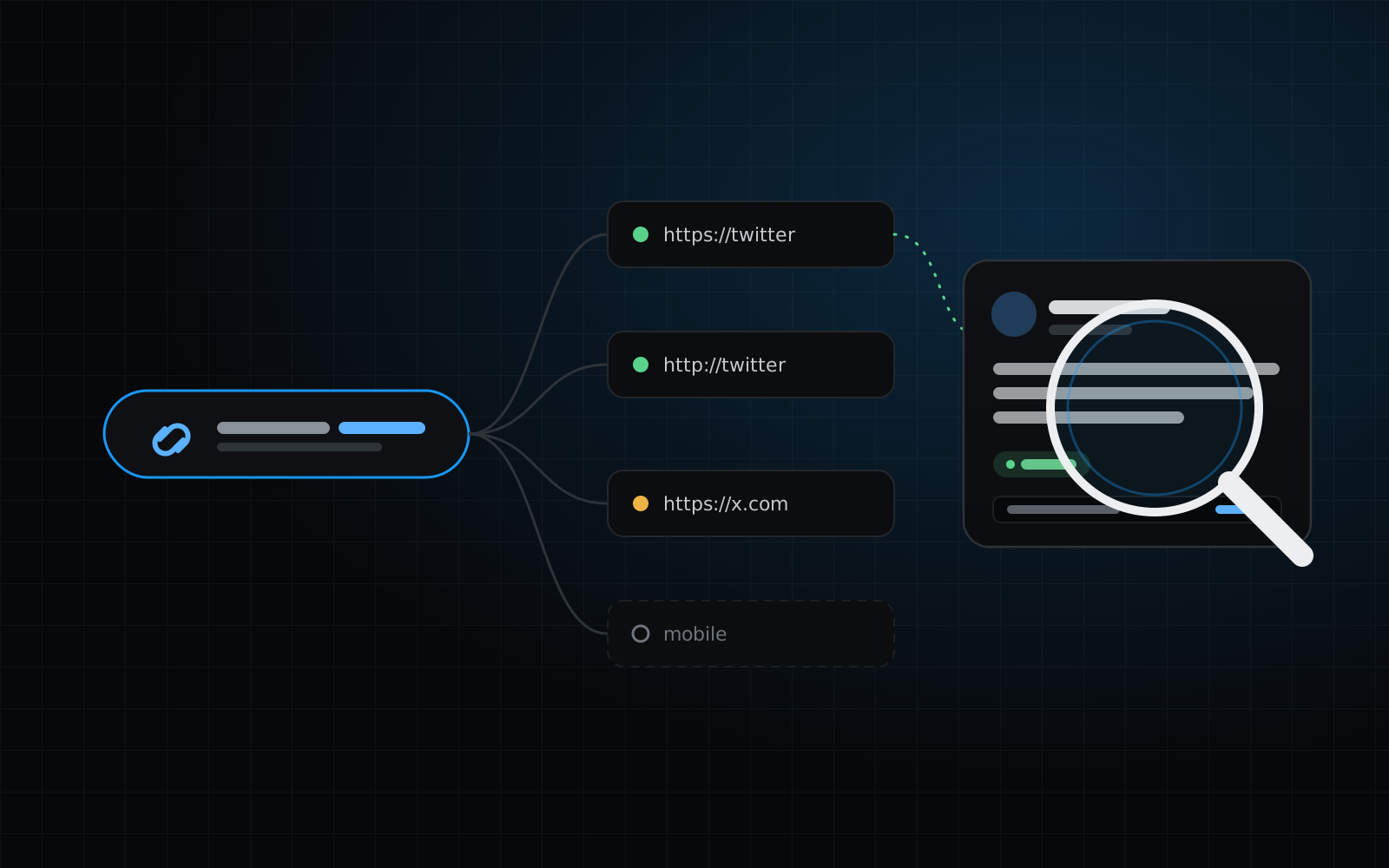
Use the free link check. It works with any version of the link: twitter.com, x.com or mobile.twitter.com, with or without extras like “?s=20” or “/photo/1”.
- 01Copy the tweet’s link from wherever you found it.
- 02Paste it into the link check on the View Deleted Tweet With Link page.
- 03Read the result. If any saved copy contains the tweet, you’ll see its text, the images that were saved, and when it was captured.
- 04Look at the per-version breakdown below it. It shows every snapshot we found for the twitter.com, x.com and mobile versions of the link, and what each one actually contains.
Finding the link when you don’t have it
A tweet link ends in a long number, its tweet ID. If you don’t have the link, it often still exists somewhere:
- Your browser history or bookmarks, if you opened the tweet before.
- Messages, emails, forum posts or articles where it was shared.
- Replies and quote tweets that mention it, which help you pin down the author and roughly when it was posted.
- Screenshots that show the tweet’s URL or the account’s handle and date.
If you only know the account
Search the username on the home page. The free preview shows how many unique tweets from that account were saved, the date range they cover and a few readable samples.
If it looks promising, unlock the full archive. Then narrow it down: search for words you remember, set the posting date range, or filter by replies, quotes and reposts until you find the tweet.
Replies, quotes and reposts
- Replies are tweets with their own pages, so they can be found like any other tweet. The result shows who they were replying to.
- Quote tweets show the quoted tweet in a box, as far as the saved page included it.
- Reposts were often saved in a shortened form. When that happens the result is marked Partial and says so.
Your own tweets vs. someone else’s
For your own account, the most complete source is X itself: you can request a download of your data from your account settings while the account is active. For other people’s accounts, saved snapshots of their public tweet pages are the only thing to go on.
What a snapshot does and doesn’t prove
A snapshot shows a tweet page as it was at the moment it was saved, and every result includes that capture time. It doesn’t show what happened afterwards: a tweet may have been edited, deleted much later, or may still be live.
A snapshot can also miss context, such as the replies around a tweet, a quoted tweet or an image that wasn’t saved. If you rely on a result, note its capture time and keep the export, which records the capture time and the page version for every tweet.
When nothing turns up
No result doesn’t mean the tweet never existed. It may never have been saved, it may have been posted too recently to have a snapshot yet, or the account may have used a different username at the time. See the guide on why recent tweets are often missing for more on timing.
Quick answers
Do I need an X account to do this?
No. The link check and account previews work without any X login, and we never ask for X credentials.
Can I see tweets from a protected account?
No. Protected tweets were never on public pages, so they aren’t in saved snapshots.
Does a result mean the tweet was deleted?
No. We don’t check X, so every result is marked “Current status unknown”. Open the link on X to see whether it is still live.