How to Search and View X (Twitter) Without an Account
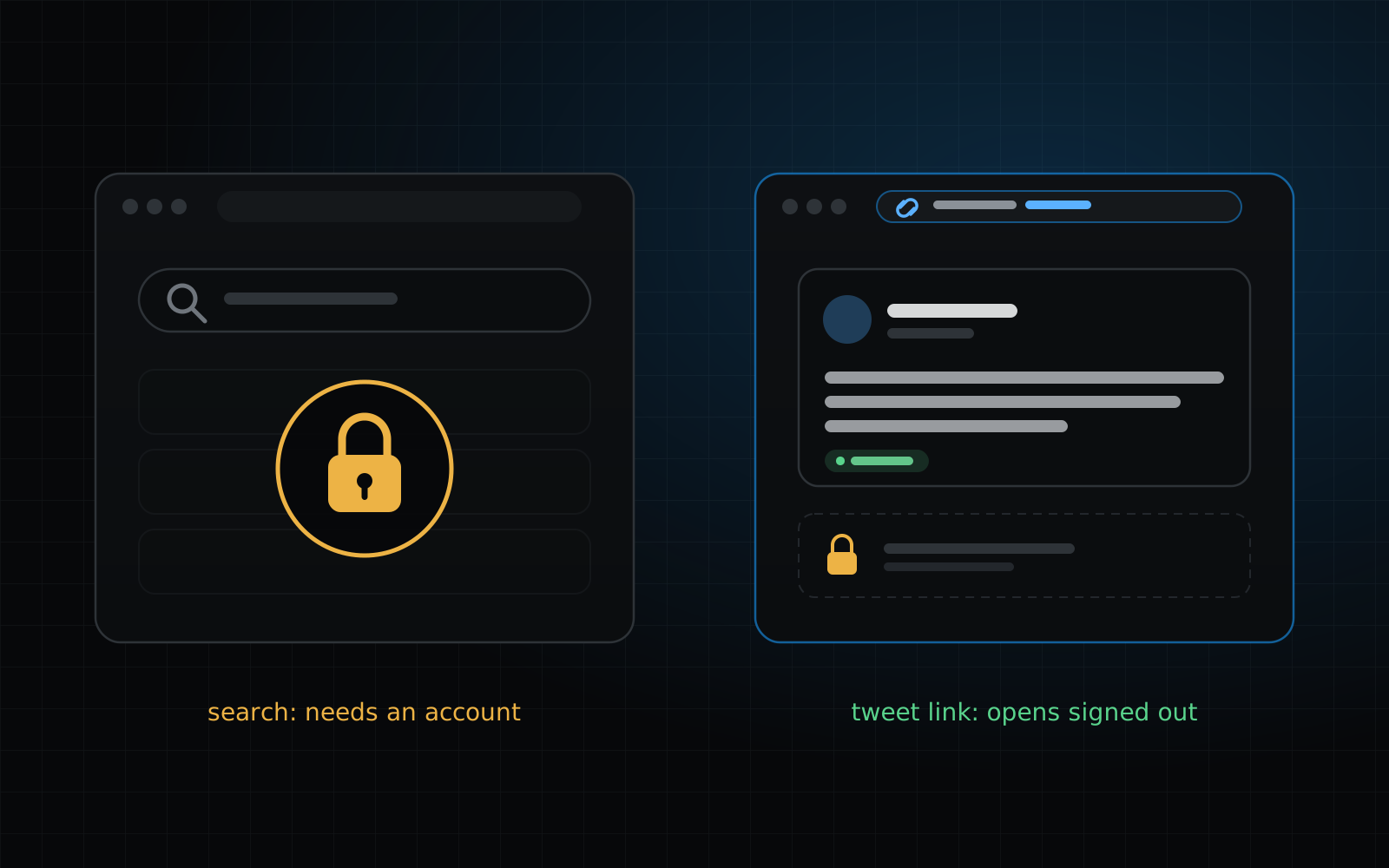
X has narrowed what a signed-out visitor can do. When we tried it on October 12, 2026, a search sent us to a login page, a profile showed its header and one pinned post before asking us to continue to X, and a single tweet link opened but kept its replies behind a login. This guide covers what still works without an account, the honest workarounds, and the one case where a saved snapshot is all that is left.
What can you do on X without an account?
It depends on what you are trying to do, and X changes the limits from time to time, so read this as a record of one day. The table shows what we got on October 12, 2026, opening each kind of page in a fresh browser with no X login. What you see can differ by country, by device and over time.
| You want to… | Signed out on X | What to try |
|---|---|---|
| Open one tweet from its link | Works. The tweet, its date and its counts show. The replies sit behind a login prompt. | Use the link as it is. If the page no longer loads, check the link for a saved snapshot. |
| Search X for words or a name | Doesn’t work. The search page redirects to a login page. | Search Google or Bing with site:x.com, as described below. |
| Read an account’s tweets | Mostly doesn’t work. The profile shows its header and a pinned post, then asks you to continue to X. | Open tweet links you already have, or look up the account’s saved snapshots by username. |
| Read a tweet that was deleted | Doesn’t work, signed in or not. | Check its link for a saved snapshot. |
How do you search X without an account?
X’s own search needs you to be signed in, so the practical way to search without an account is to search somewhere else for pages that point at X.
- 01Open Google or Bing and type site:x.com followed by the words you remember. Put exact phrases in quotes, for example site:x.com/harborlightco "grand opening". Repeat the search with site:twitter.com, because older tweets may still be listed under that address.
- 02Add the person’s username to the address to narrow it down, as in the example above, or add their name as a plain word.
- 03Open a result. A tweet page loads like any other tweet link.
- 04If nothing shows, try the words without quotes, or search for a news article or forum post that quotes the tweet. Those usually link to it.
How do you view a tweet without an account?
If you have the tweet’s link, open it in a private browser window. That is the quickest way to see what a signed-out visitor sees. The tweet’s text, date and counts load; the replies and the rest of the thread usually need an account.
If the link opens a notice that the page doesn’t exist, the tweet or its account is gone, and an account on X wouldn’t change that: signed in or not, X no longer shows it.
What if the tweet or the account is gone?
This is the one case where an account makes no difference, because X no longer shows the tweet to anyone. What can be left is a saved snapshot: a copy of the tweet’s page that was saved while it was public. Deleted Tweet Finder reads those snapshots rather than X, so it needs no X account and never asks for X credentials.
Use the deleted tweet viewer when you have the link, or search the account’s username on the home page when you don’t. Both are free and need no sign-in at all. Neither can search all of X for a phrase: they work one tweet link or one account at a time, and only for pages that were saved.
How do you look through one account without logging in?
Start with what you have. A tweet link opens signed out. A username alone got us only a glance at the profile on X, as the table above shows. For more, look the account up on Deleted Tweet Finder: the free preview shows how many of its tweets have saved snapshots, the date range they cover and a few readable samples.
To find a particular old tweet among them, the old tweet finder page lists the routes, with and without an X account.
Do “view X without login” sites work?
Many sites claim to show X without a login. We don’t run one and can’t vouch for them. They depend on pages that X controls, so what works one month can stop the next, and some ask you to sign in with X or paste a password, which defeats the point.
Deleted Tweet Finder is different in kind: it doesn’t show X live. It shows saved snapshots, so it can’t tell you what a tweet says today, only what a saved copy of its page said when it was saved.
Quick answers
Can I search X (Twitter) without an account?
Not on X itself. When we tried it signed out on October 12, 2026, a search redirected to a login page. A search engine query with site:x.com can find tweets that Google or Bing has indexed, and Deleted Tweet Finder can look up one tweet link or one username, neither of which needs an X account.
Can I view a tweet without an account?
Yes, in the case we tried: opening a tweet link signed out showed the tweet, its date and its counts, with the replies behind a login prompt. If the tweet or its account has been removed, the link won’t load and an account doesn’t help.
Can I see someone’s profile without an account?
Only a glance. A profile showed its header and a pinned post, then asked us to continue to X. To read more you need an account on X or, for tweets that were saved while public, a snapshot lookup.
Does Deleted Tweet Finder need an X account or my X login?
No. It never asks for X credentials and never signs in on your behalf. It reads saved snapshots of public tweet pages, not X, and the link check and the account preview need no sign-in of any kind.