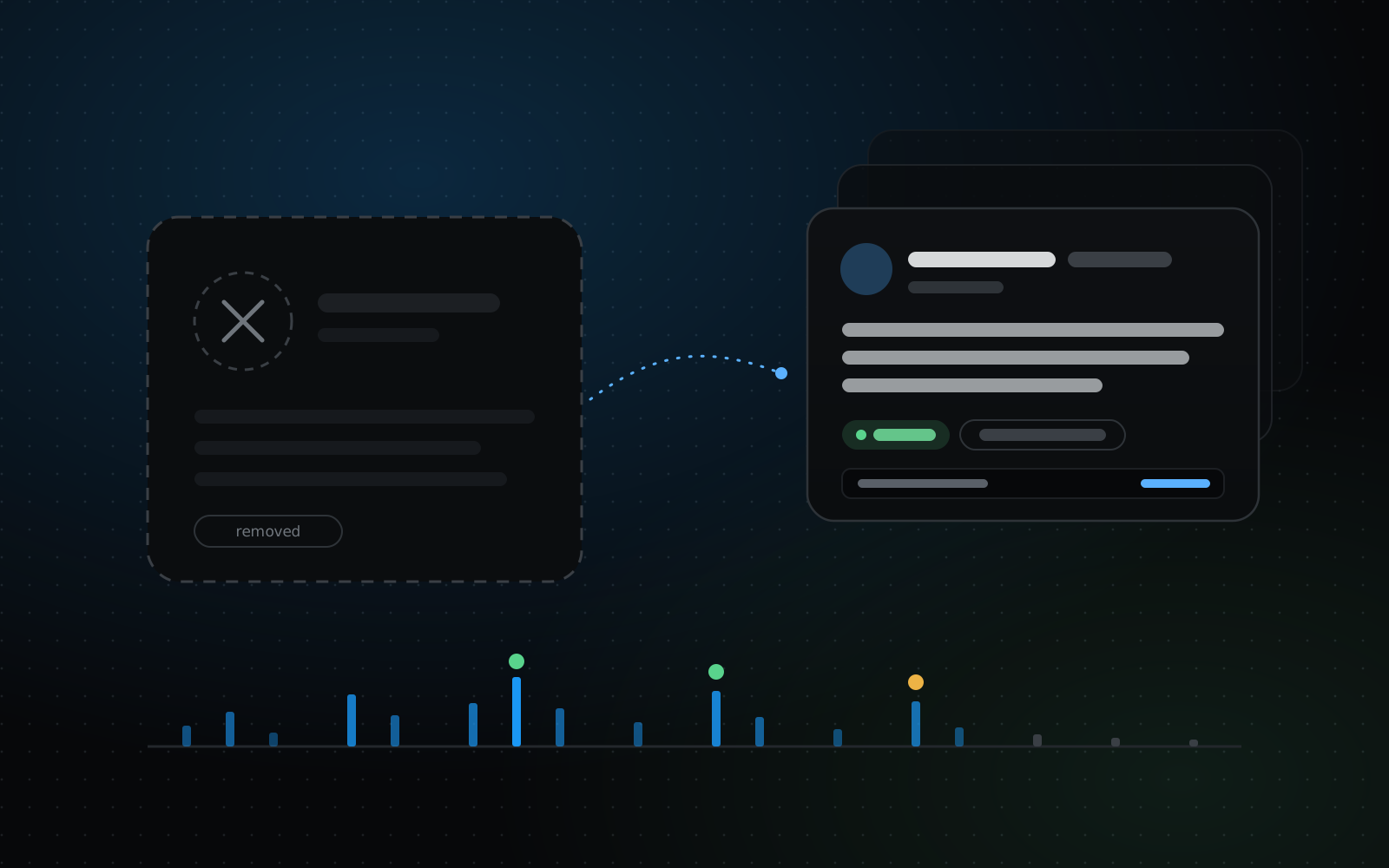
When an X/Twitter account is deleted, deactivated or suspended, its profile and tweets stop loading on X. That doesn’t always mean every trace is gone: many public tweet pages were saved as snapshots while the account was live. This guide explains what can still be found, how to search for it by username, and how to read the results honestly.
You can only see someone else’s deleted tweet if its page was saved as a snapshot before it was removed. The fastest way to check depends on what you start with: the tweet’s link, or just the username. Here is how to do both, and how to read what you find.
If you deleted a tweet and want to see it again, X can’t show it to you: it has no undo for a deleted post. What can sometimes be found are copies made before it was removed. This guide goes through where those copies tend to be, from the ones you control to the ones that depend on luck, and says plainly what no tool can bring back.
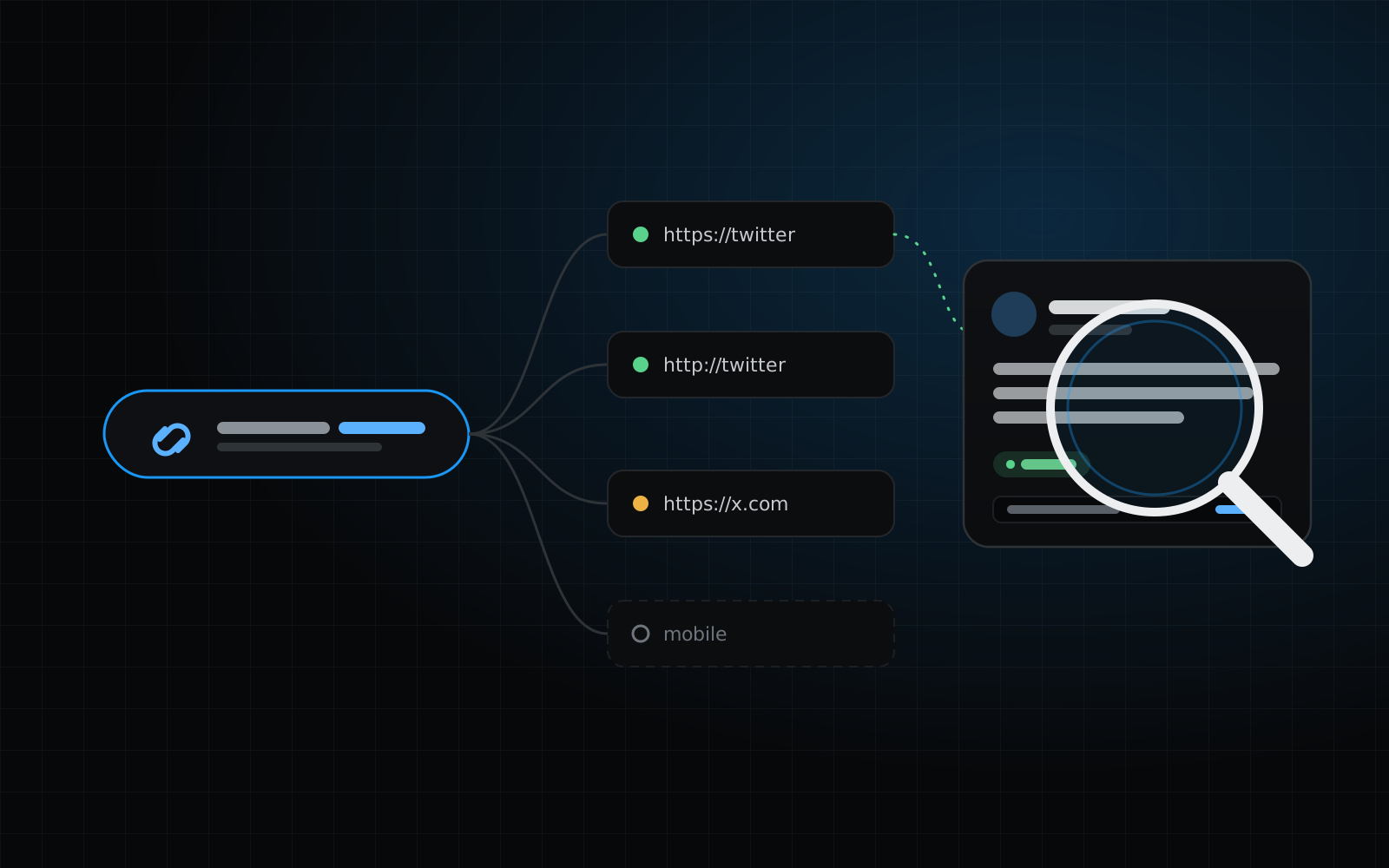
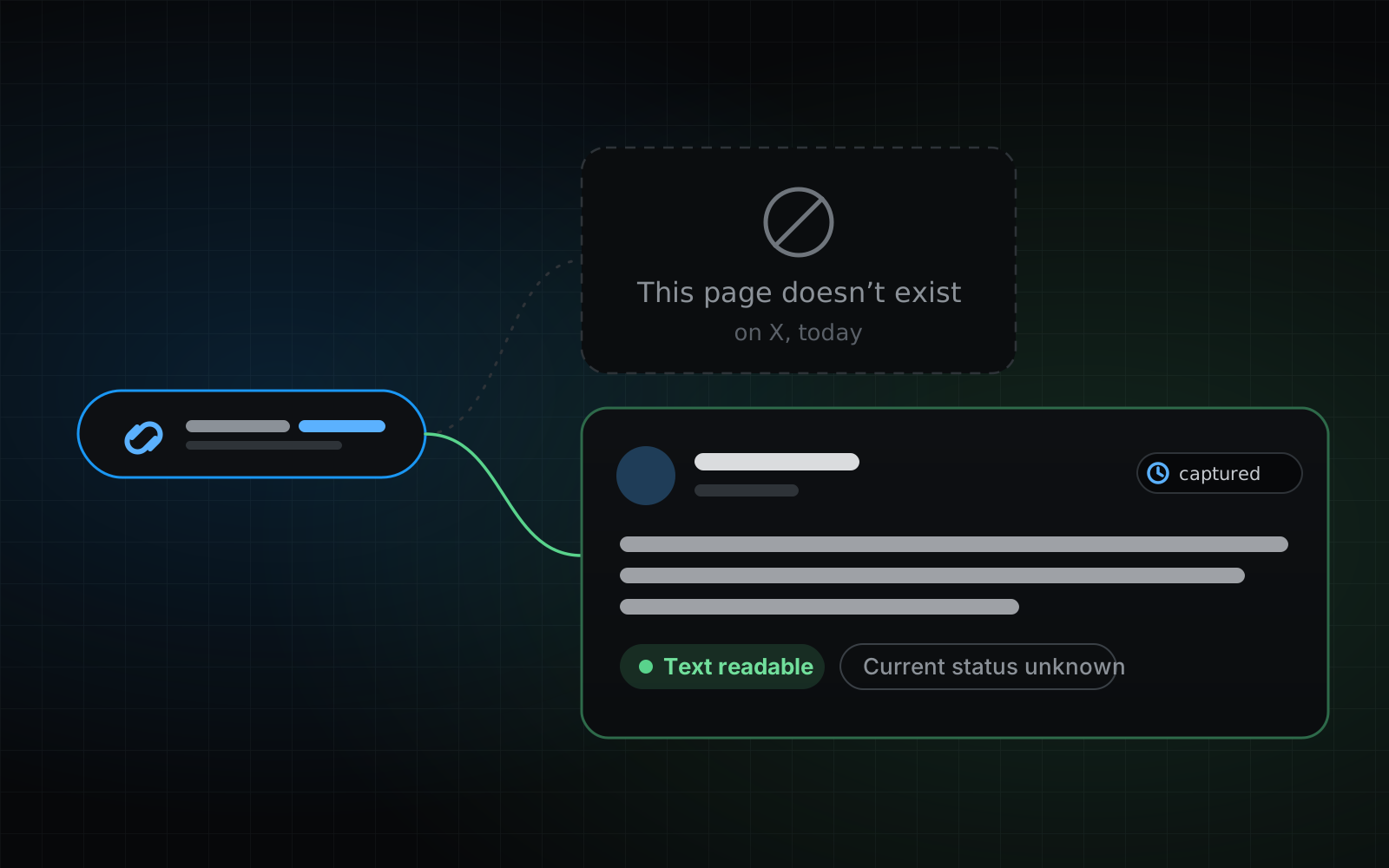
A tweet link is the most precise thing you can start from: it points at exactly one tweet, even when the account behind it has been deactivated, suspended or deleted. If a snapshot of that tweet’s page was saved while it was public, the link is enough to find it. This guide shows how to read the link, check every version of it, and make sense of what comes back, including the common case where the honest answer is that nothing was saved.
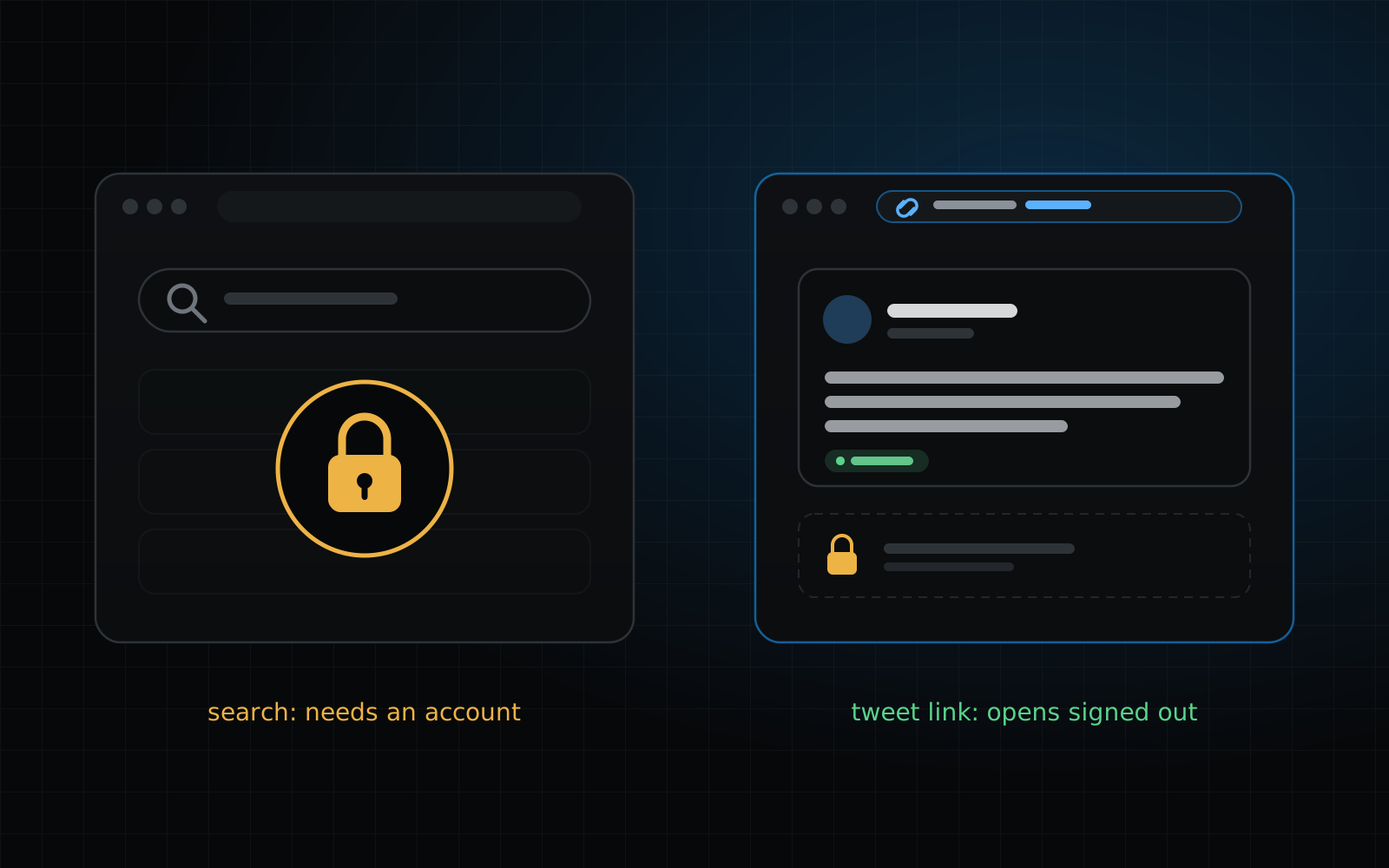
X has narrowed what a signed-out visitor can do. When we tried it on October 12, 2026, a search sent us to a login page, a profile showed its header and one pinned post before asking us to continue to X, and a single tweet link opened but kept its replies behind a login. This guide covers what still works without an account, the honest workarounds, and the one case where a saved snapshot is all that is left.
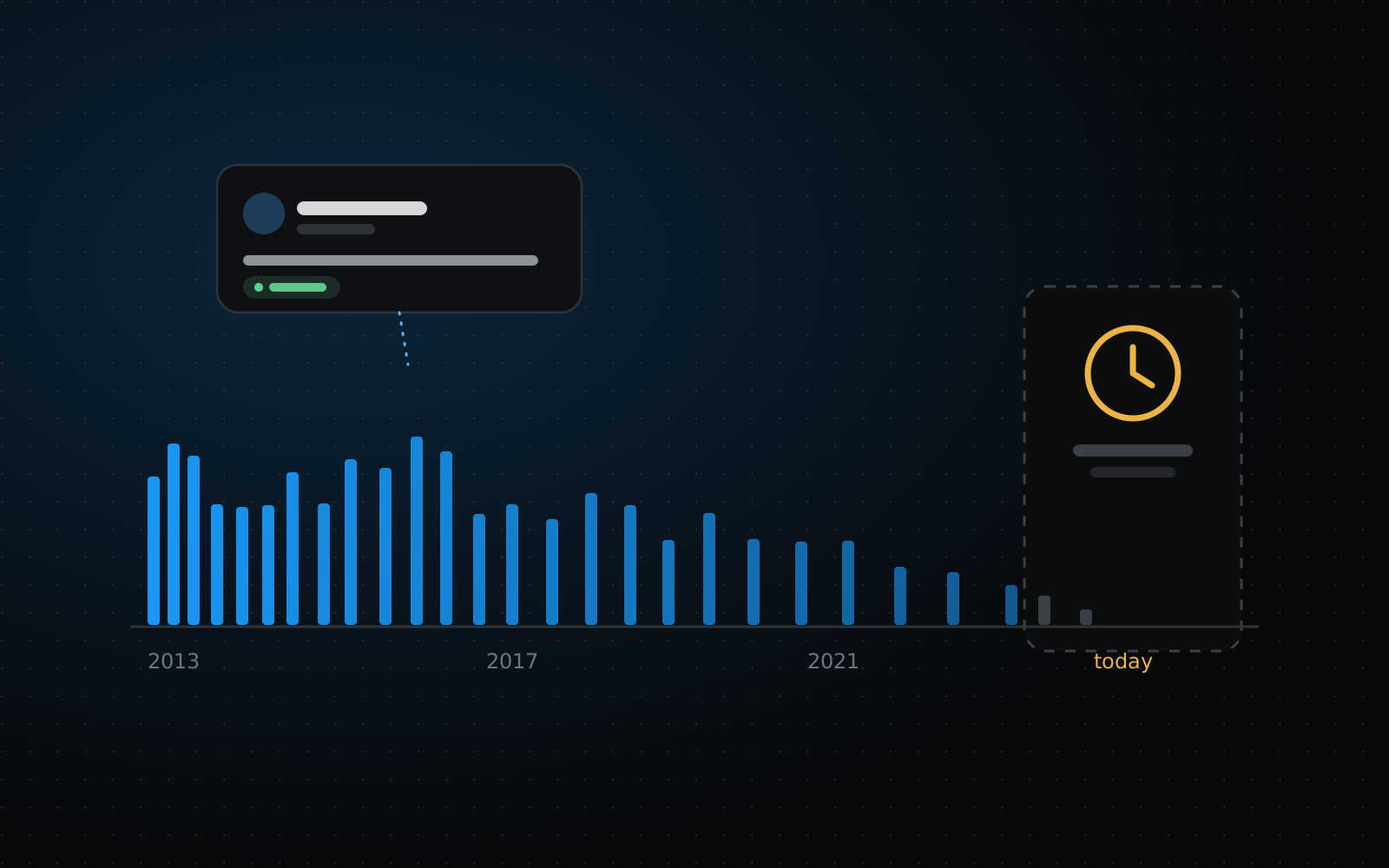
Searched an account and noticed the newest tweets are missing, or that the results stop months before today? That’s expected. A tweet only appears once a snapshot of its page has been saved, and for recent tweets that often hasn’t happened yet.